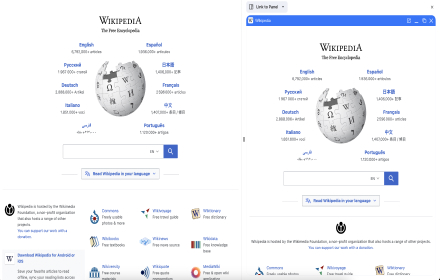
If you haven't installed the Video Downloader extension yet, install it to start downloading
Downloading happens through our browser extension, not on this page. If you don't have it installed yet, get it for your browser below, then open it on the page with the video you want to save.
How to download 👇:
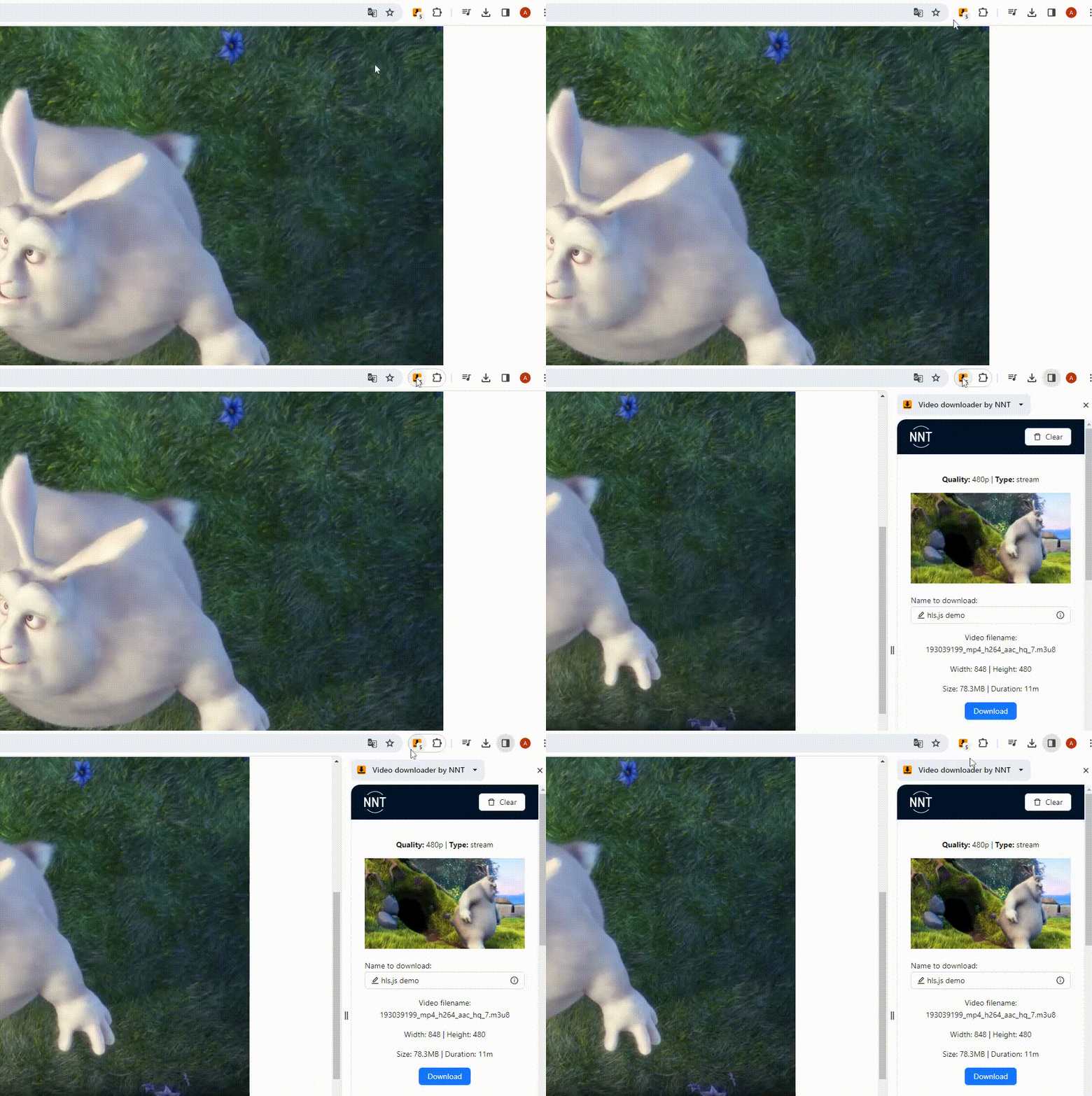
Then👇:
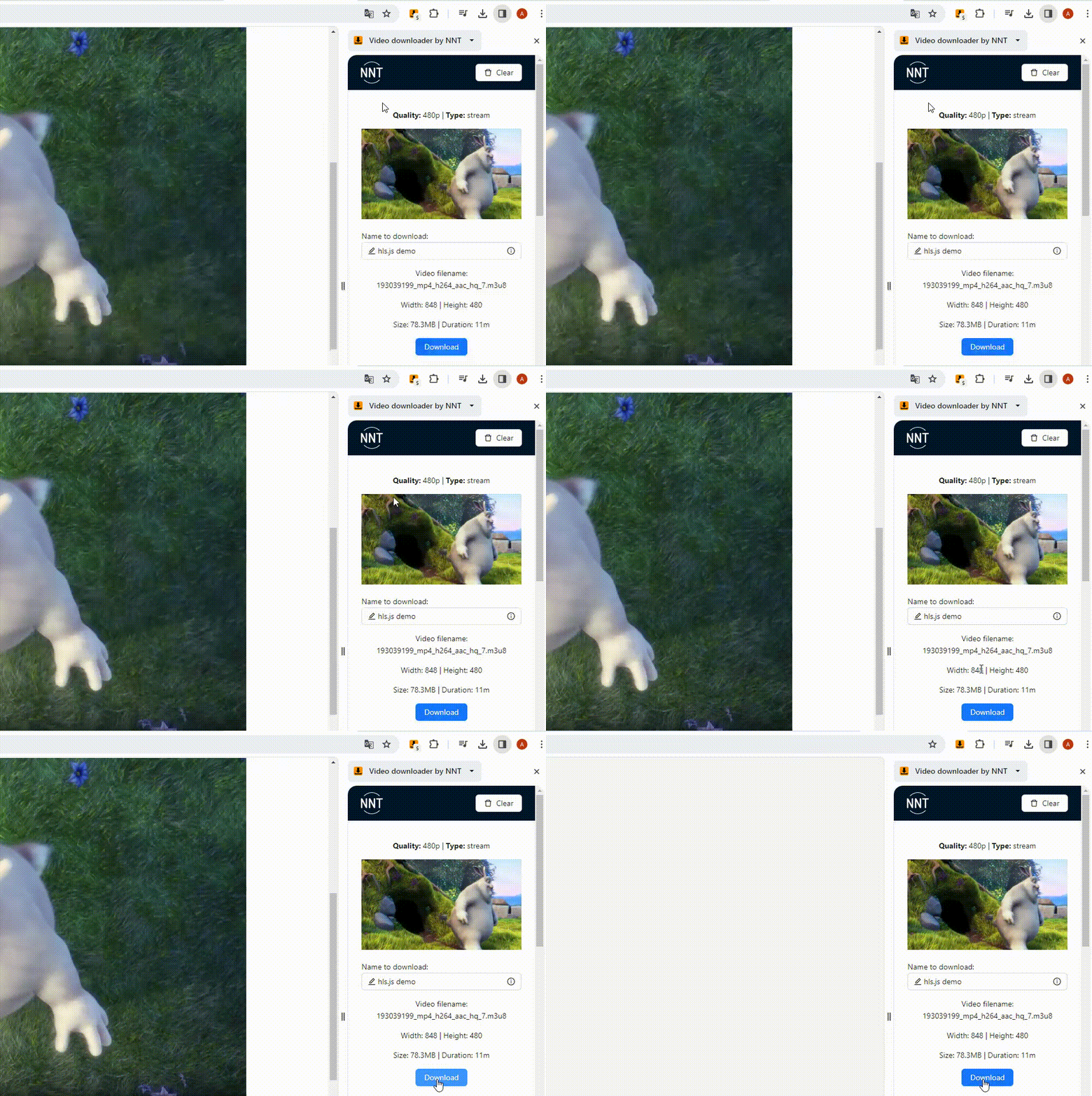
Engoy🤘!
FAQ
Why are streaming videos downloaded in mp4 format?
The MP4 format is part of the MPEG-4 standard, which is widely accepted and supported by many organizations and industries. This ensures compatibility with various software and hardware platforms, making it the preferred choice for video content creation. In future versions we plan to add a converter of video files into formats convenient for you.
Is it possible to adjust the quality of the downloaded video?
The video downloader intercepts all links to video files/streams that the browser requests from the page. But, in some cases, players load only one of the options. If you do not see a certain quality in the list before downloading, select the best option for you in the video player.
Why is the download speed too slow?
The download speed may be limited not only by your internet connection but also by the server storing the video file. We do not impose download speed restrictions.
What browsers are supported by our video downloading service?
Currently available applications for Chrome browser and Edge browser.
Why doesn't the file play after a successful download?
If the video doesn't play after downloading, it's possible that your computer lacks the necessary codecs. To address this problem, we plan to introduce our own converter in future updates. Meanwhile, you can use any convenient video conversion service or install the missing codecs.
Can I download videos from various online resources or only from certain ones?
We try to cover the majority of possible resources, if downloading from a resource is currently unavailable - you can write to us on the extension support page, we will try to solve this problem in the near future. But we remind you that our downloader is designed to download files from open sources without violating the licensing rights of video content. We are not responsible for the content you upload.
What is NNT?
NNT is like TNT, but NNT😃