

Wikipedia SidePanel – Search Wikipedia in Your Browser Side Panel
The largest free encyclopedia in your sidebar, available in all tabs of one browser window.
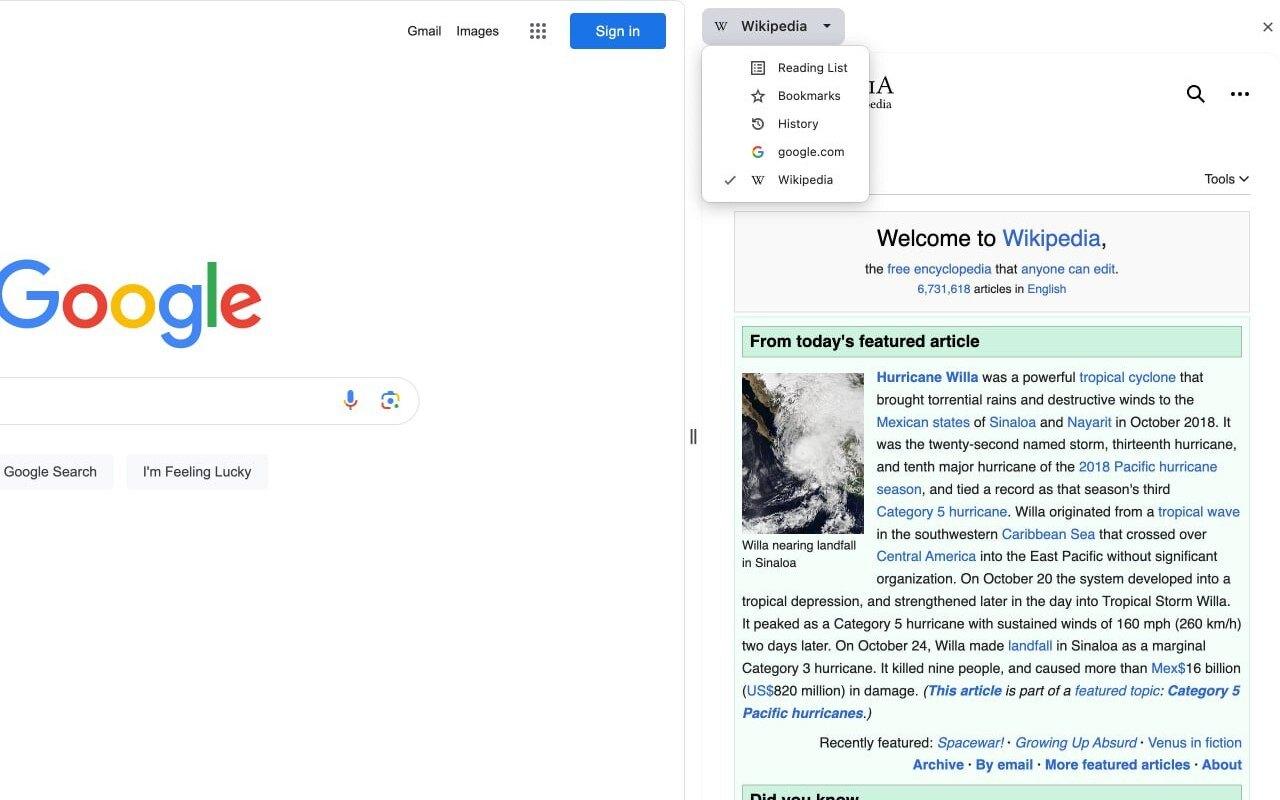
Wikipedia SidePanel by NNT puts Wikipedia in your browser side panel, so you can look things up without leaving the page you are reading. Search from the panel, or select text on any page and look it up from the context menu.
Features
Wikipedia in the side panel
Read the largest free encyclopedia in your sidebar while the page you are working on stays in view.
Quick search
Search Wikipedia right from the side panel and open articles in the language you need.
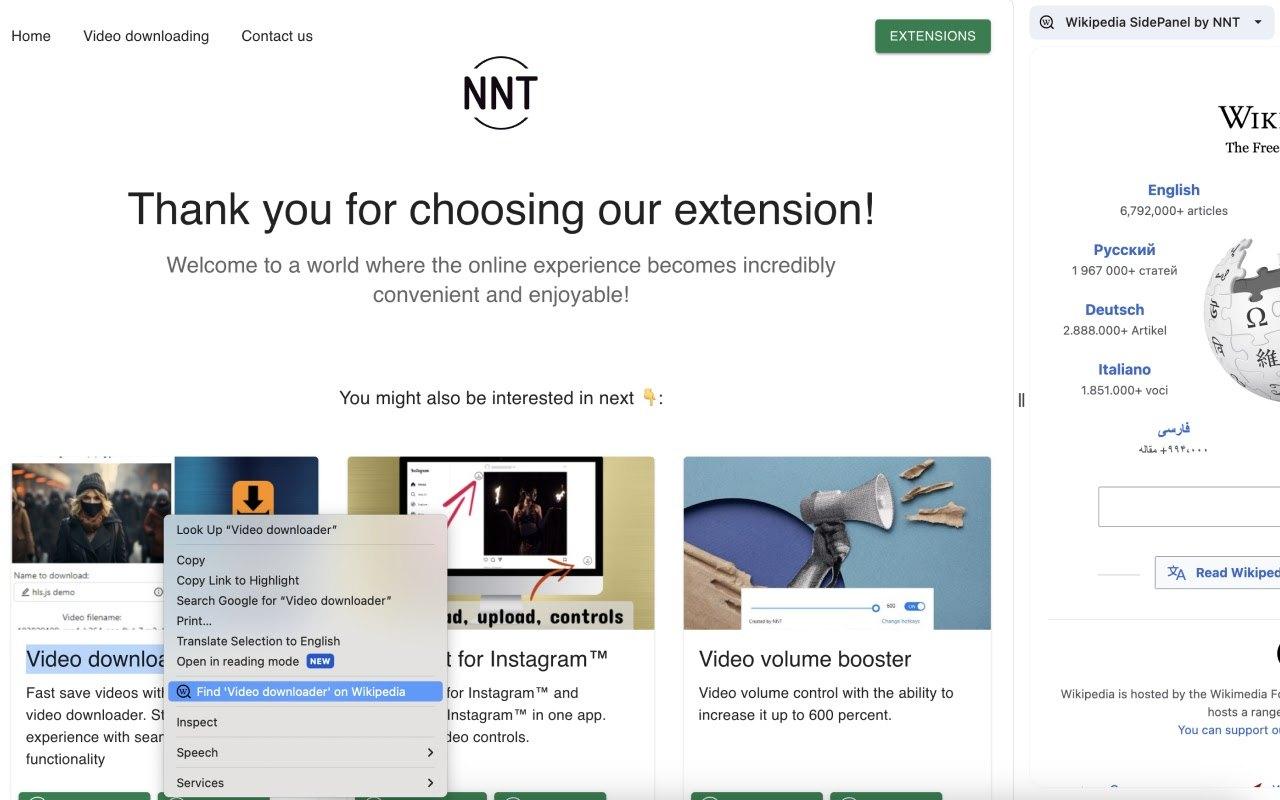
Context menu lookup
Select a word or phrase on any page, right-click and choose the Wikipedia option to see the article in the side panel.
Works in all tabs
Convenient viewing in all tabs of one browser window, with the extension available from the side panel menu.
How to use Wikipedia SidePanel
- Install Wikipedia SidePanel from the Chrome Web Store or Microsoft Edge Add-ons.
- Open the browser side panel and choose Wikipedia SidePanel by NNT from the menu.
- Search for a topic in the panel, or select text on any page and right-click it.
- Choose the Find on Wikipedia option to open the article in the side panel.
More extensions from NoName Technology

Video downloader
Fast save videos with our user-friendly video downloader. Streamline your experience with seamless one-click functionality
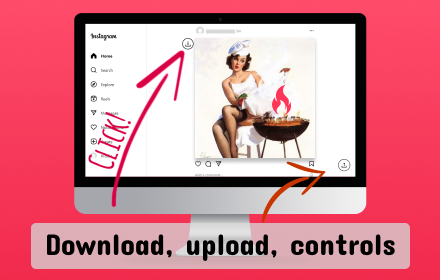
Assistant for Instagram™
Downloader for Instagram™ and uploader for Instagram™ in one app. Instagram video controls.
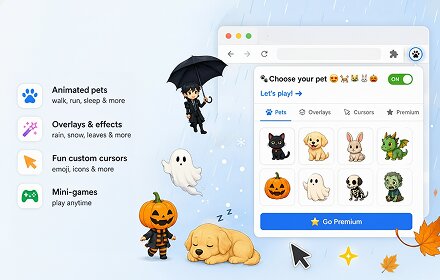
ScreenJoy — Pet & Effects
Make your browser your own. Mix animated characters, overlays, and cursors to create a unique, fun experience.
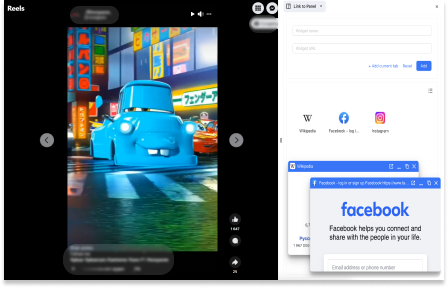
Link to Panel by NNT
Expand your Side Panel experience to boost up productivity and multitasking with our extension.
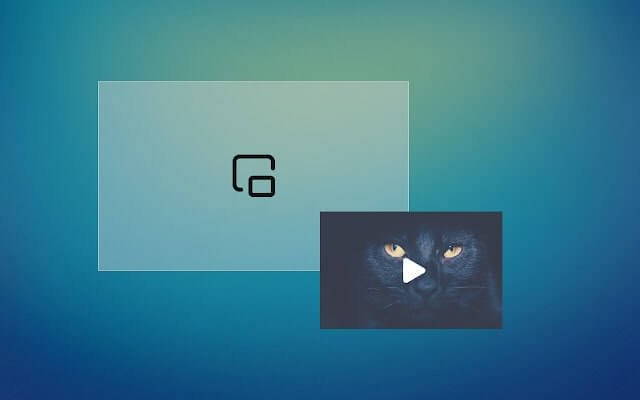
Picture in picture
Switch videos into Picture-in-Picture (PiP) mode, allowing you to freely browse the internet or work on other web pages.