

Picture in Picture – Floating Video Player Extension for Chrome and Edge
Pop any video into a floating window and keep watching while you browse.
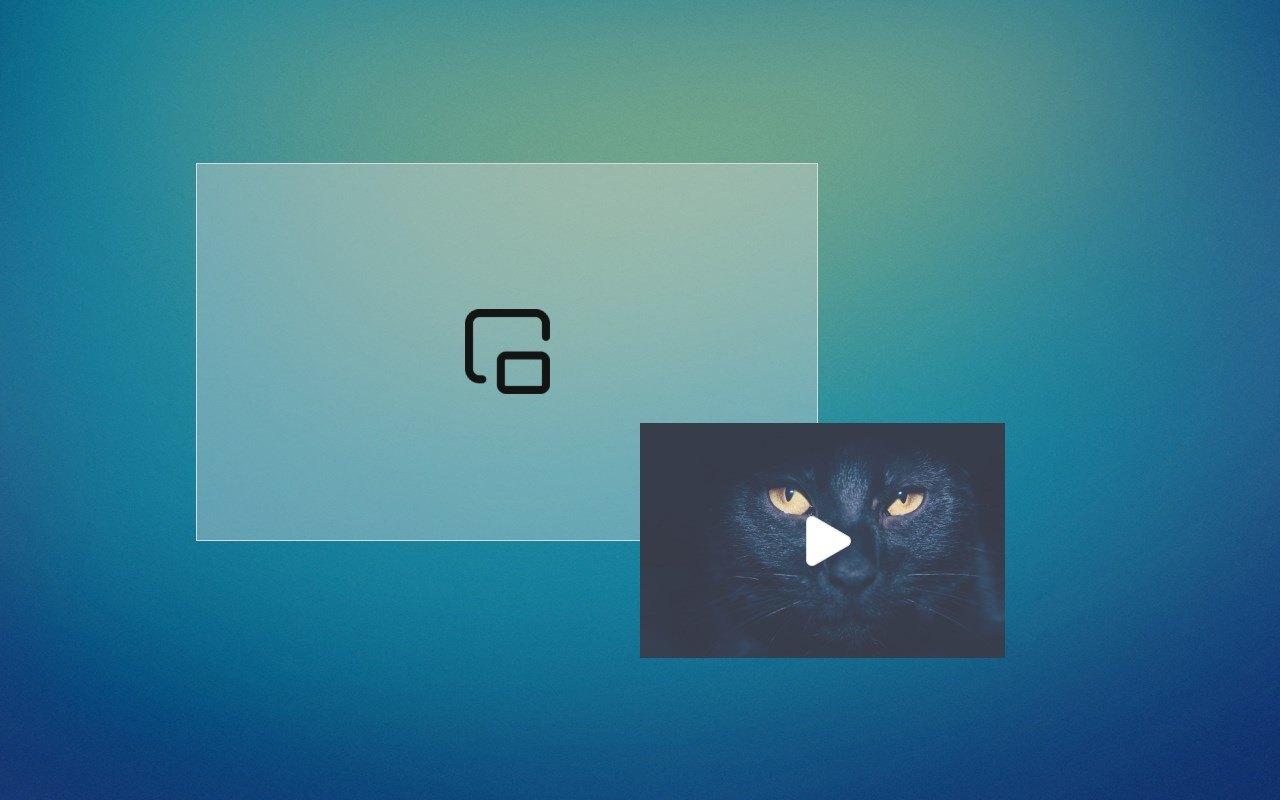
Picture-in-Picture by NNT switches the video you are watching into a small floating window that stays on top of all your browser windows. Browse the web, check email or work on other pages without interrupting playback.
Features
One-click Picture-in-Picture
Switch any video playing in your browser to Picture-in-Picture mode with the designated button or a hotkey. The video becomes a floating window on top of all browser windows.
Resize and move
Resize the floating video and move it anywhere on your screen, even when you have many tabs and windows open.
Works with popular video sites
The extension works with most popular video hosting and streaming services.
Browse while you watch
Browse the web, check your email or read the news while the video keeps playing in its own window.
Simple controls
All functions are available from a small floating control panel.
Keyboard shortcut
Press Ctrl+Shift+L on Windows and Linux, or Command+Shift+L on macOS, to switch a video to Picture-in-Picture mode.
How to use Picture in Picture
- Install Picture in Picture from the Chrome Web Store or Microsoft Edge Add-ons.
- Open a page and start playing a video.
- Click the Picture-in-Picture button, or press Ctrl+Shift+L (Command+Shift+L on macOS).
- Resize the floating window and move it where you want it, then keep browsing.
More extensions from NoName Technology

Video downloader
Fast save videos with our user-friendly video downloader. Streamline your experience with seamless one-click functionality
Assistant for Instagram™
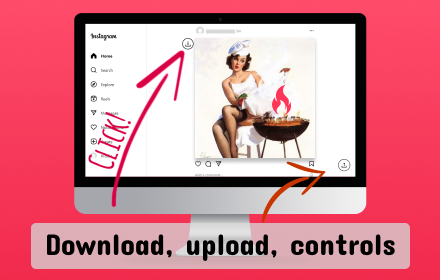
Downloader for Instagram™ and uploader for Instagram™ in one app. Instagram video controls.
ScreenJoy — Pet & Effects
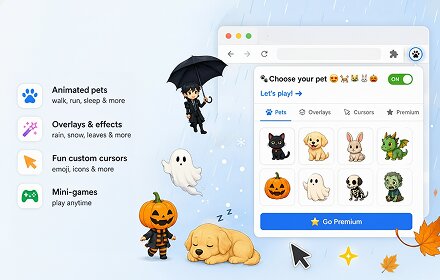
Make your browser your own. Mix animated characters, overlays, and cursors to create a unique, fun experience.
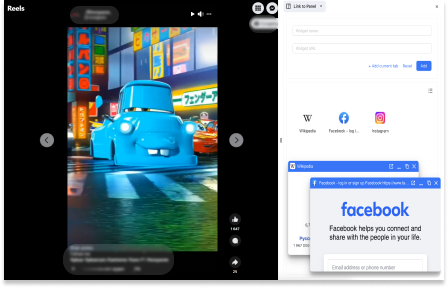
Link to Panel by NNT
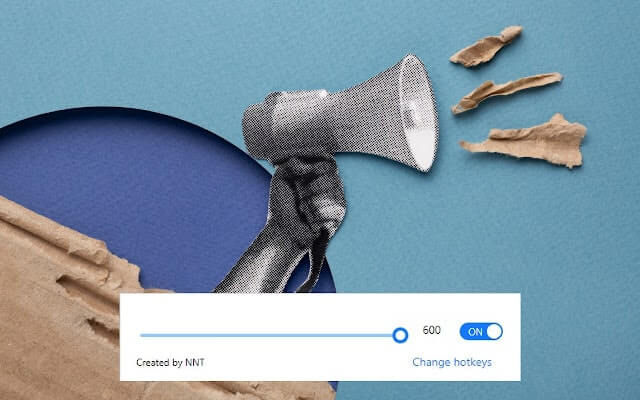
Expand your Side Panel experience to boost up productivity and multitasking with our extension.
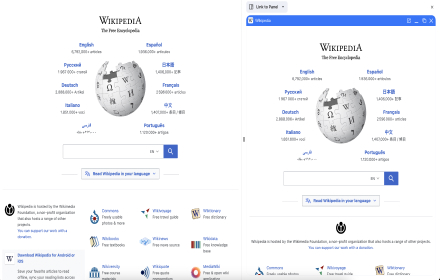
Wikipedia SidePanel by NNT
The largest free encyclopedia in your sidebar! Quick search and convenient viewing in all tabs of one browser window. Search function in the context menu.