
You might also be interested in next 👇:

Video downloader
Fast save videos with our user-friendly video downloader. Streamline your experience with seamless one-click functionality
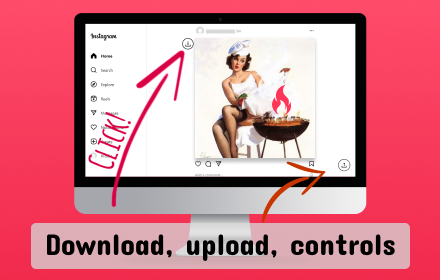
Assistant for Instagram™
Downloader for Instagram™ and uploader for Instagram™ in one app. Instagram video controls.
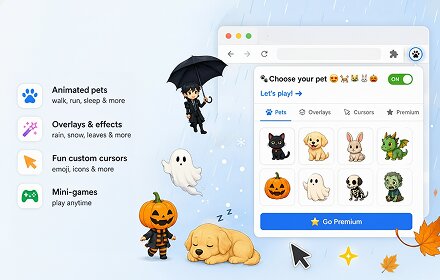
ScreenJoy — Pet & Effects
Make your browser your own. Mix animated characters, overlays, and cursors to create a unique, fun experience.
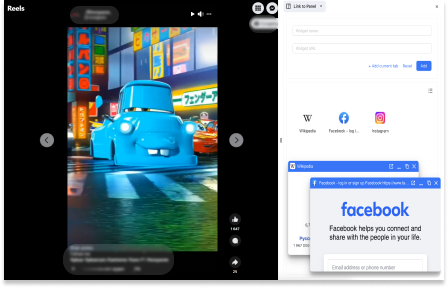
Link to Panel by NNT
Expand your Side Panel experience to boost up productivity and multitasking with our extension.
Picture in picture
Switch videos into Picture-in-Picture (PiP) mode, allowing you to freely browse the internet or work on other web pages.
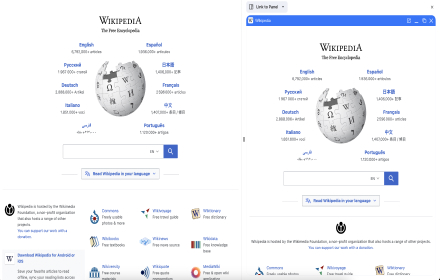
Wikipedia SidePanel by NNT
The largest free encyclopedia in your sidebar! Quick search and convenient viewing in all tabs of one browser window. Search function in the context menu.
FAQ
Is my file uploaded to a server?
No. The file travels directly from one device to the other over a peer-to-peer connection. Our server only helps the two devices find each other and set up the connection. The contents of your file never pass through it and are never stored.
Is there a file size limit?
We do not set a size limit and any file type works. Very large files depend on the memory and the connection of your devices, so a stable network is recommended for big transfers.
Do both devices need to be on the same Wi-Fi network?
No. The transfer works across different networks, for example a phone on mobile data and a computer on home internet. Some strict corporate or mobile networks block direct connections, and in that case the transfer may not start.
Why should I keep the page open during the transfer?
The file is sent straight from your browser, so both devices must keep the page open until the progress reaches 100 percent. Closing the tab, locking the screen or switching networks can interrupt the transfer.
Is the file transfer free?
Yes. Transferring files with this tool is free and requires no registration or installation.