

ScreenJoy – Browser Pets, Overlays, Masks & Custom Cursors
Animated pets that wander across your screen, plus effects and cursors that make your browser your own.
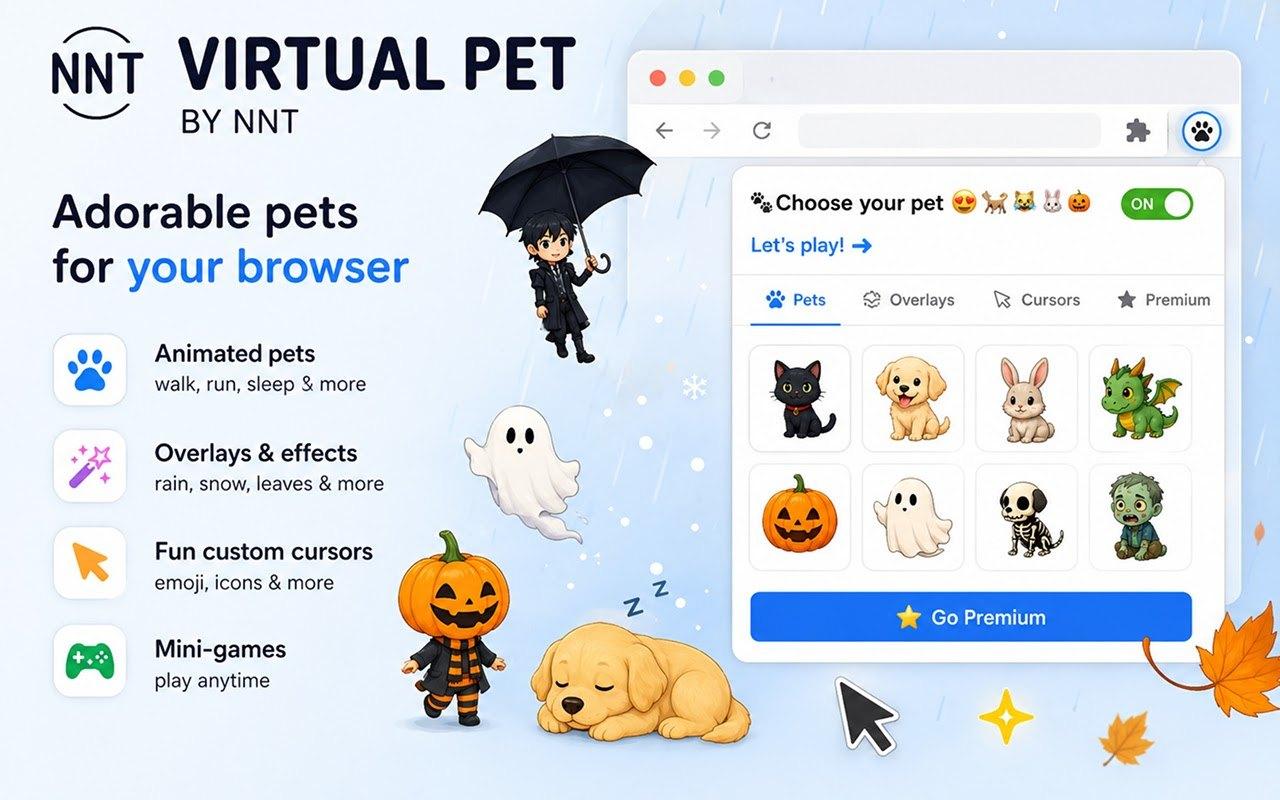
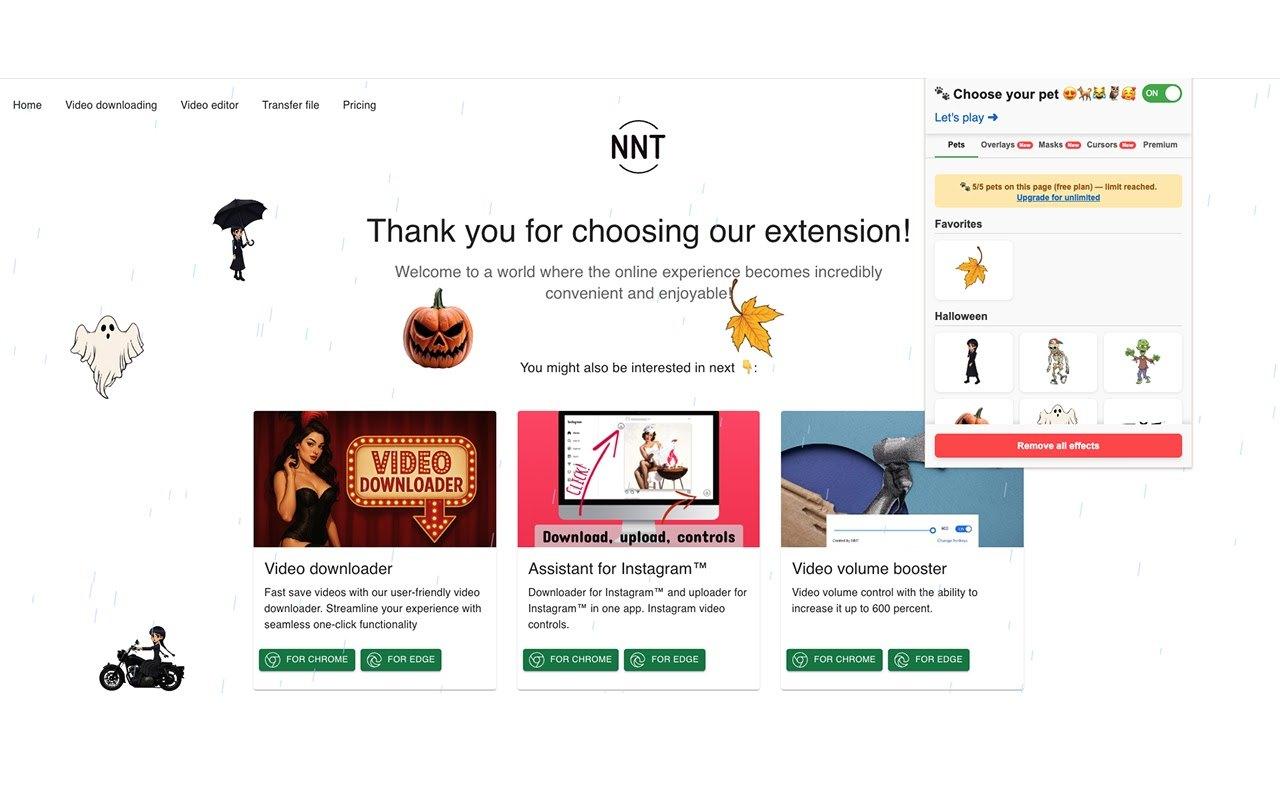
ScreenJoy adds a little joy to your workflow. Pick an animated pet that walks around your windows and tabs, add falling snow or confetti, re-skin any page with a filter, or swap your pointer for a playful cursor, whether you are coding, browsing or watching videos.
Features
Animated pets
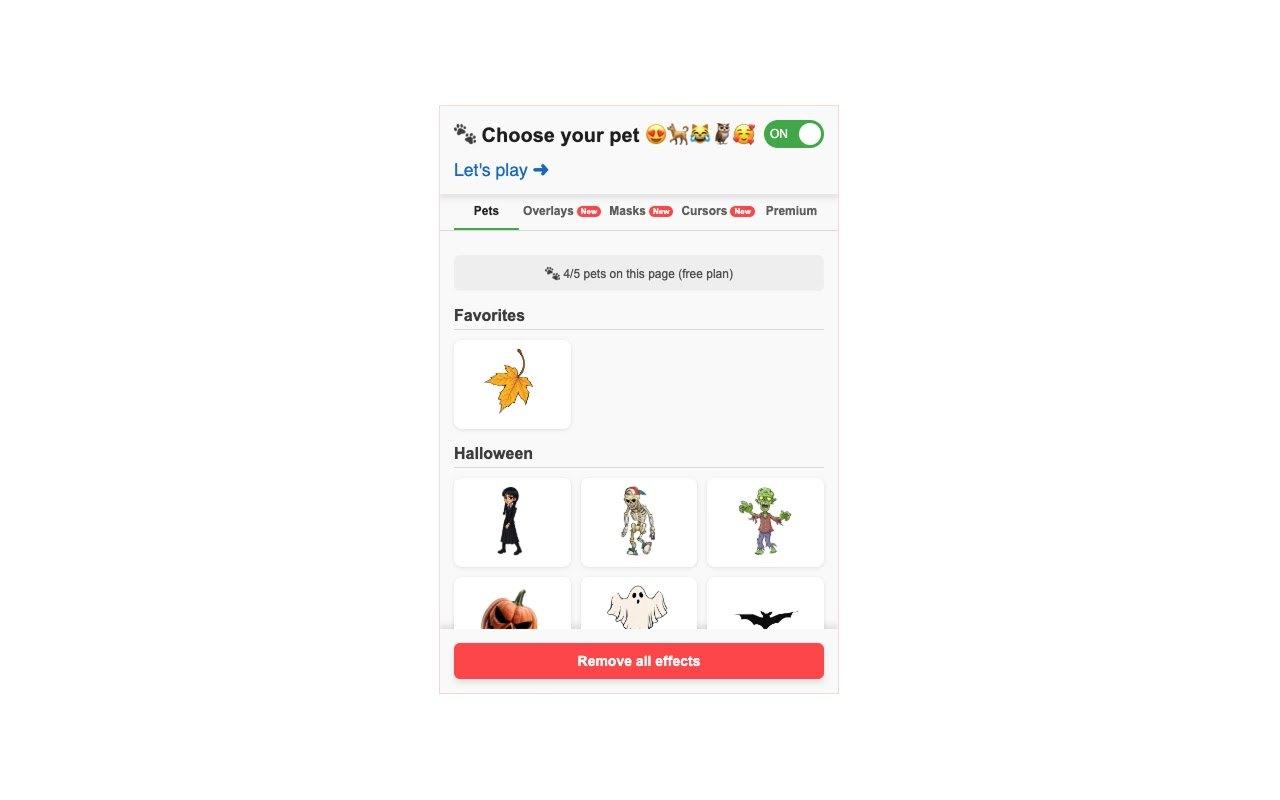
Choose from dozens of pets, including seasonal packs for Halloween, Christmas and Labubu, and a growing library of more than 400 generated designs. They walk, run, fly and sleep, each with its own personality.
Control your pet
Right-click any pet to switch its behavior, or drag it around the screen. A pet can wander across your windows and tabs and settle down for a nap when it is tired.
Overlay effects
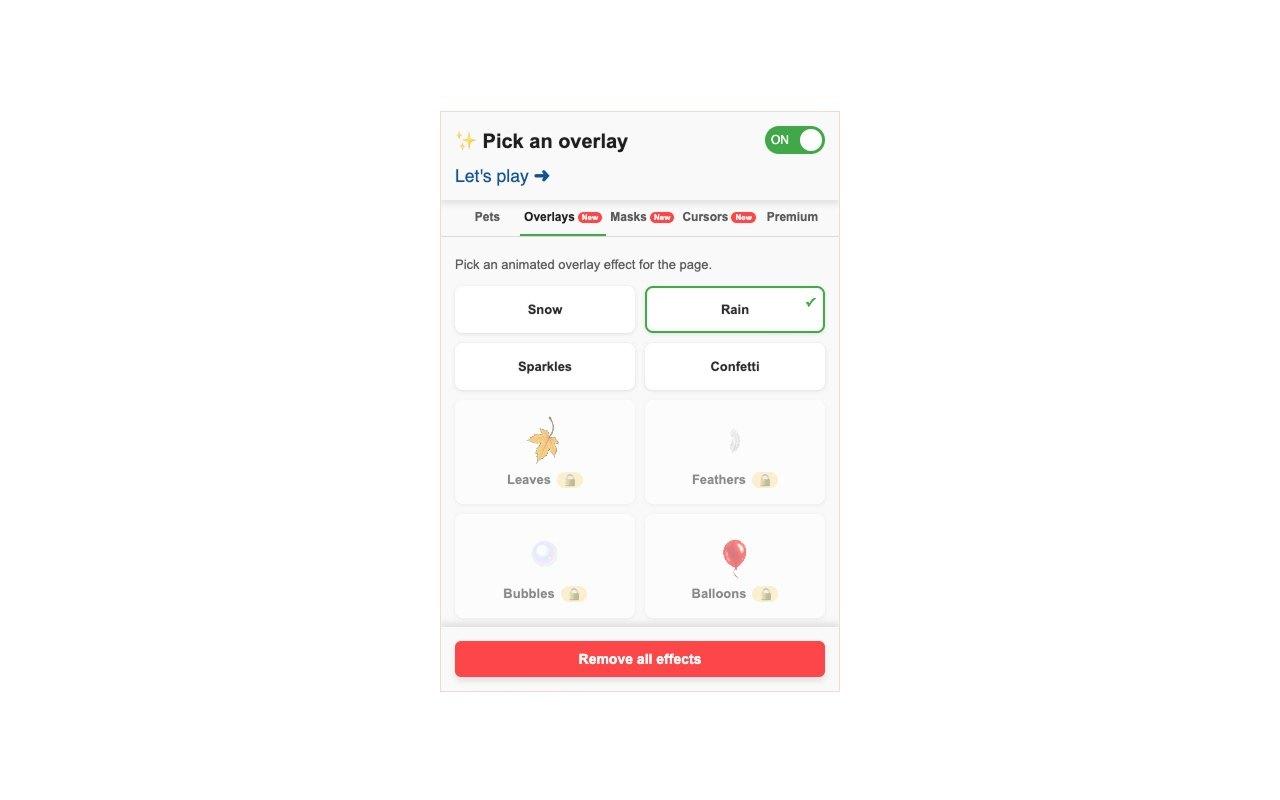
Let snow, rain, sparkles, confetti, falling leaves, feathers, bubbles, balloons, butterflies and more drift across the page.
Full-page masks
Instantly re-skin any page with filters such as grayscale, sepia, vintage, neon, thermal and night vision.
Fun custom cursors
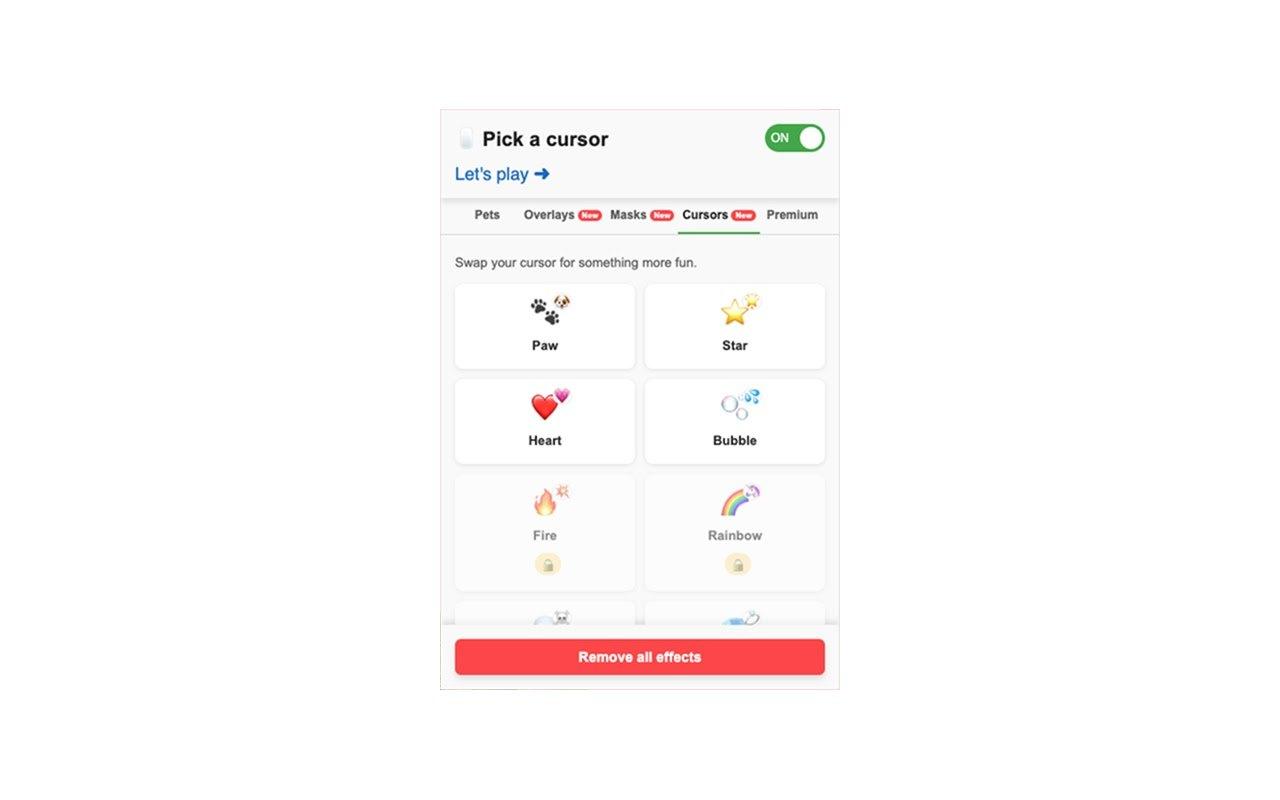
Swap your pointer for playful emoji or hand-drawn icons like a crown, a rocket or a magic wand.
Mini-games
Jump straight into the Let's Play mini-games site from the extension popup or from the pet context menu.
Free plan and Premium
Start for free. Premium unlocks cursor-following pets, the full library of overlays, masks and cursors, premium pet packs and more pets on screen at once.
One switch to turn it off
Use the ON switch or the Remove all effects button in the popup to clear everything from the page at any time.
How to use ScreenJoy
- Install ScreenJoy for Chrome, Edge, Firefox or Safari.
- Click the extension icon and pick a pet on the Pets tab.
- Open the Overlays, Masks and Cursors tabs to add effects to the page.
- Right-click your pet to change its behavior, or press Remove all effects to start over.
More extensions from NoName Technology

Video downloader
Fast save videos with our user-friendly video downloader. Streamline your experience with seamless one-click functionality
Assistant for Instagram™
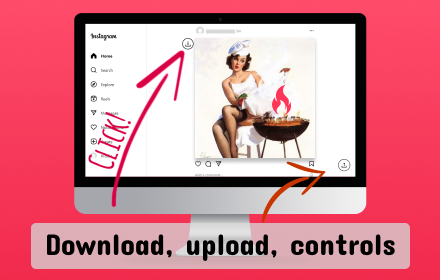
Downloader for Instagram™ and uploader for Instagram™ in one app. Instagram video controls.
Link to Panel by NNT
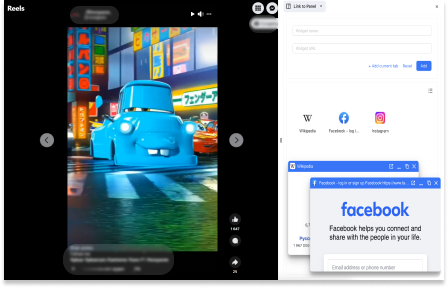
Expand your Side Panel experience to boost up productivity and multitasking with our extension.
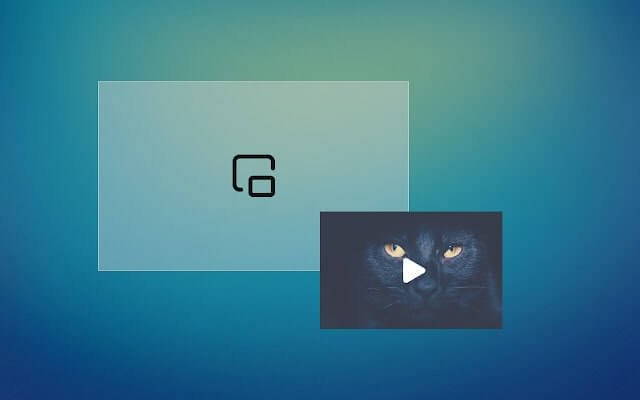
Picture in picture
Switch videos into Picture-in-Picture (PiP) mode, allowing you to freely browse the internet or work on other web pages.
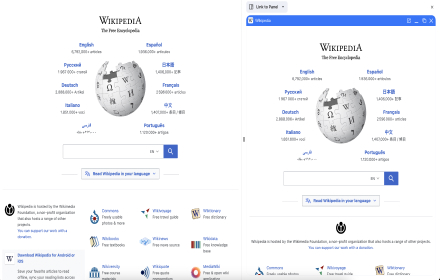
Wikipedia SidePanel by NNT
The largest free encyclopedia in your sidebar! Quick search and convenient viewing in all tabs of one browser window. Search function in the context menu.