

Assistant for Instagram – Instagram Downloader, Story Uploader & Reels Controls
Download photos, videos, stories and reels, and upload stories from your computer, in one extension.
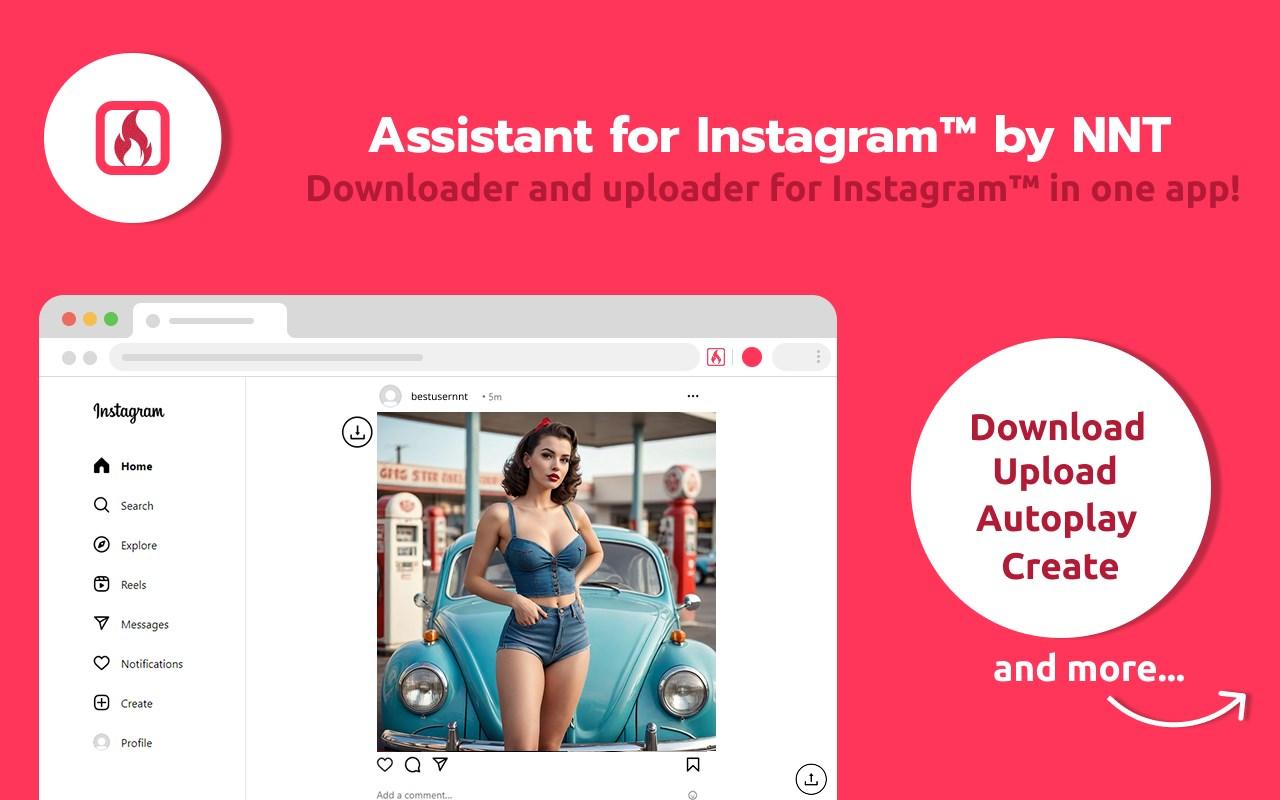
Assistant for Instagram adds the tools Instagram on the web is missing. Save photos, videos, stories and reels in their original quality, post stories from your PC or Mac, and get full control of reels playback with speed, autoplay and a progress bar.
Features
Download in one click
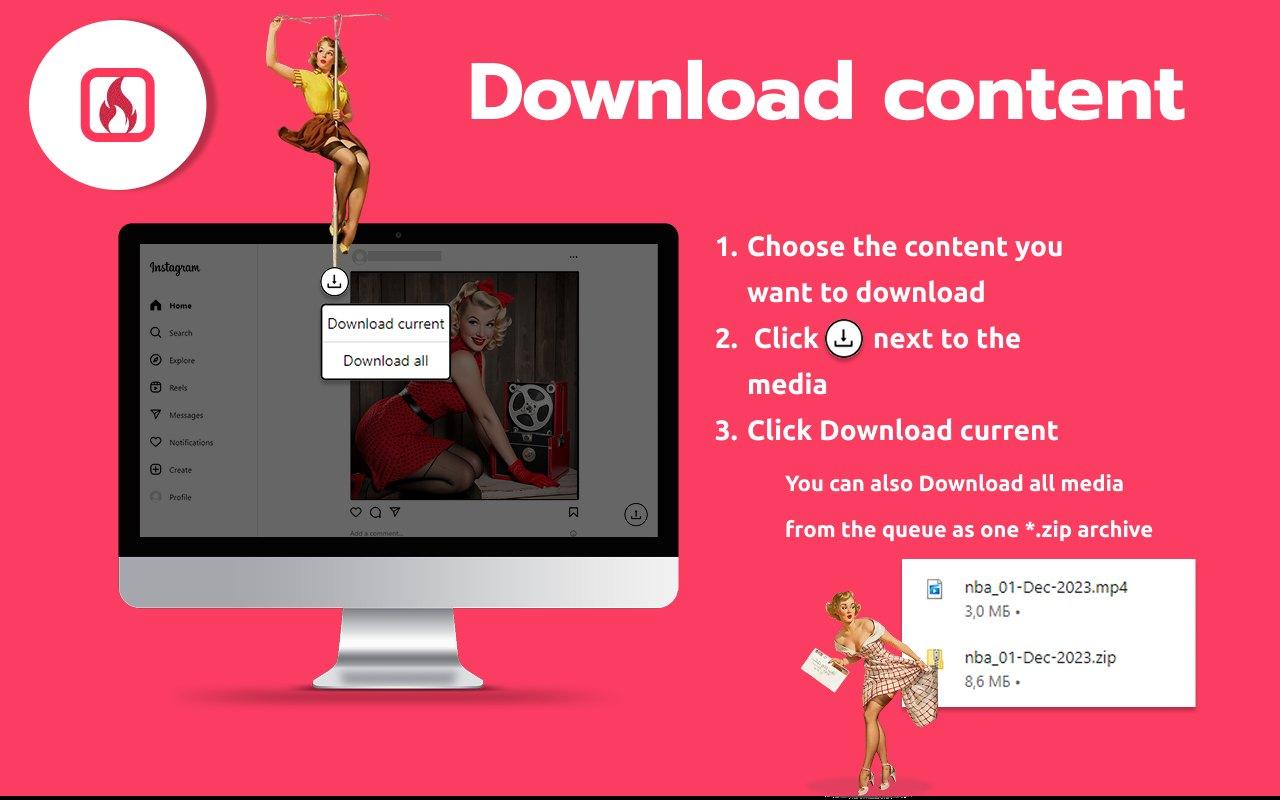
Save images, videos and stories to your computer in one click, in their original quality.
Download all as a ZIP
Add several items to the queue and download all the media as one ZIP archive.
Upload stories from your PC
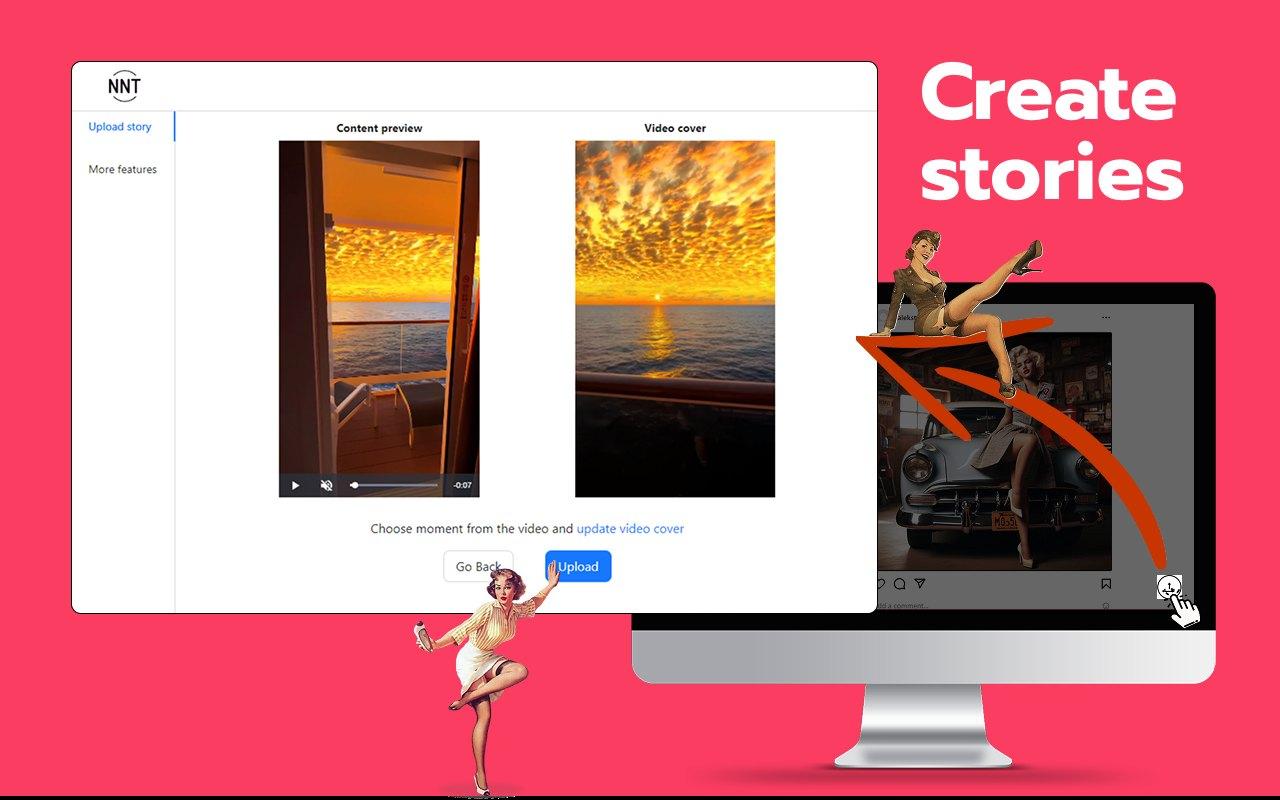
Upload videos and photos to Instagram stories directly from your computer. Choose a moment from the video and update the video cover before you upload.
Post from your computer
Post videos, photos and IGTVs easily from your computer in their original quality.
Full control of reels
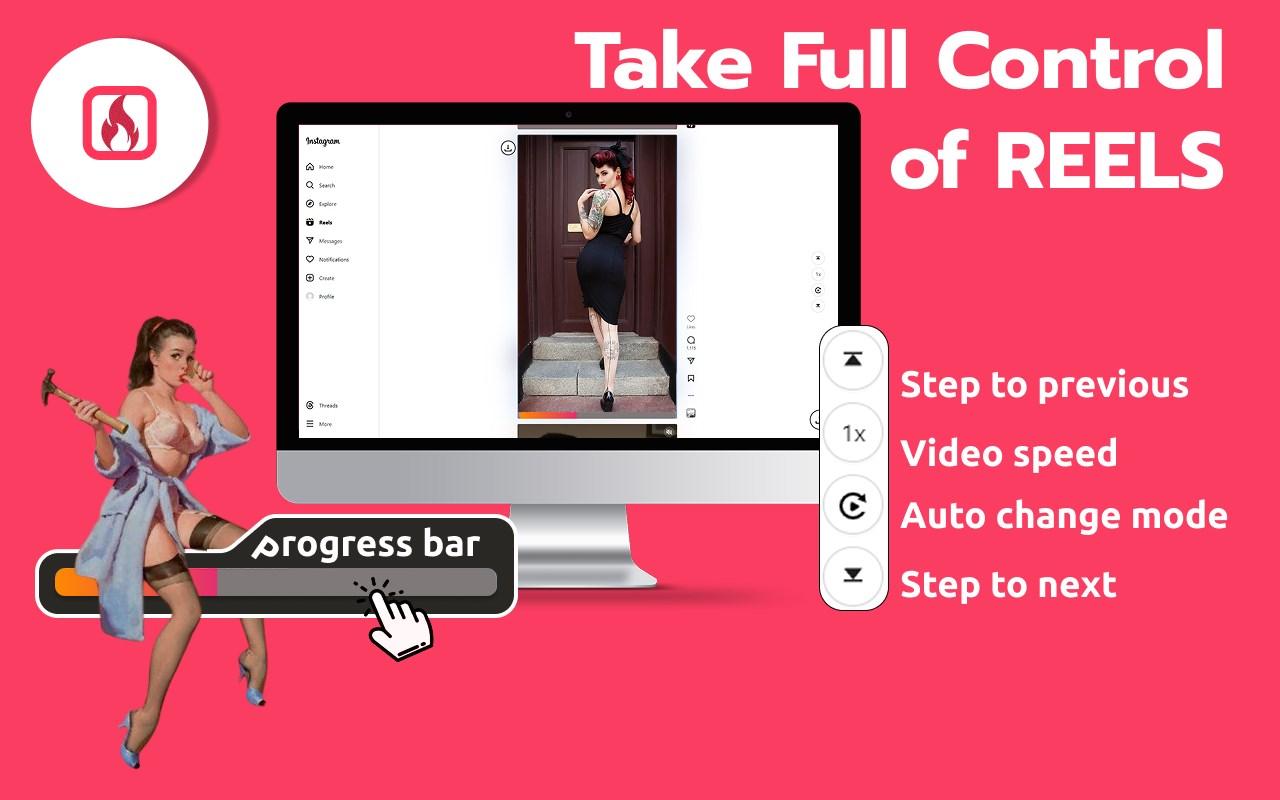
Step to the previous or next reel, change the video speed, turn on the auto change mode and use the video progress bar.
Messages and comments
Send direct messages and comments from the web version of Instagram.
Full-screen and dark mode
Use full-screen mode and a dark mode for Instagram on your PC or Mac.
Organized downloads
The extension generates appropriate file names for the videos and images you download, so your saved content stays organized.
How to use Assistant for Instagram
- Install Assistant for Instagram from the Chrome Web Store, Microsoft Edge Add-ons or the App Store for Safari.
- Open Instagram in your browser and find the photo, video, story or reel you want.
- Click the download icon next to the media.
- Choose Download current, or Download all to get everything in the queue as one ZIP archive.
More extensions from NoName Technology

Video downloader
Fast save videos with our user-friendly video downloader. Streamline your experience with seamless one-click functionality
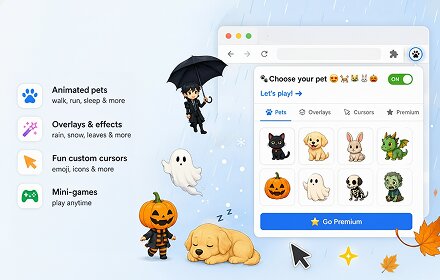
ScreenJoy — Pet & Effects
Make your browser your own. Mix animated characters, overlays, and cursors to create a unique, fun experience.
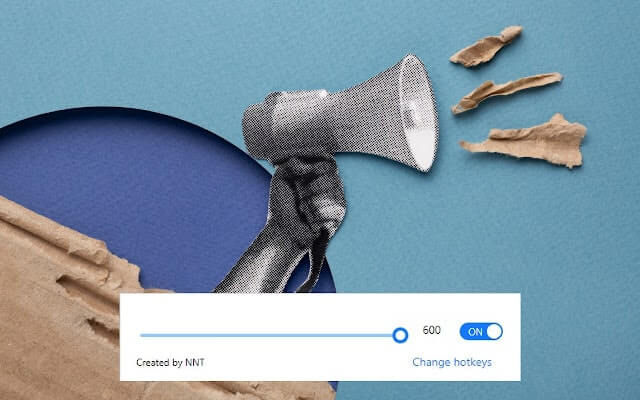
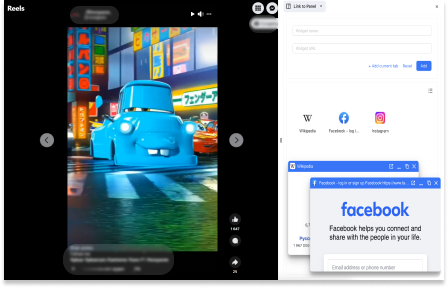
Link to Panel by NNT
Expand your Side Panel experience to boost up productivity and multitasking with our extension.
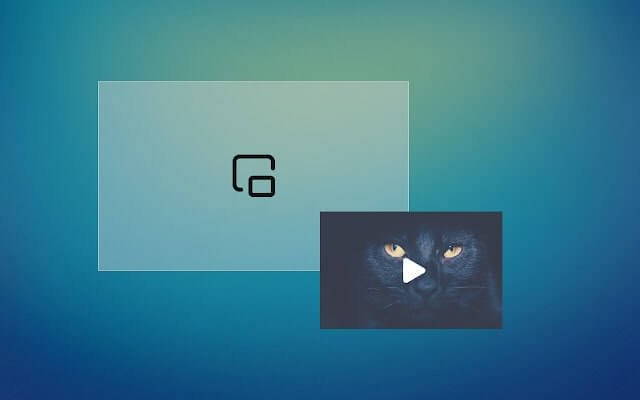
Picture in picture
Switch videos into Picture-in-Picture (PiP) mode, allowing you to freely browse the internet or work on other web pages.
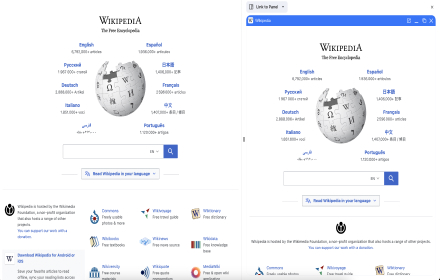
Wikipedia SidePanel by NNT
The largest free encyclopedia in your sidebar! Quick search and convenient viewing in all tabs of one browser window. Search function in the context menu.